Cyera AI Guardian
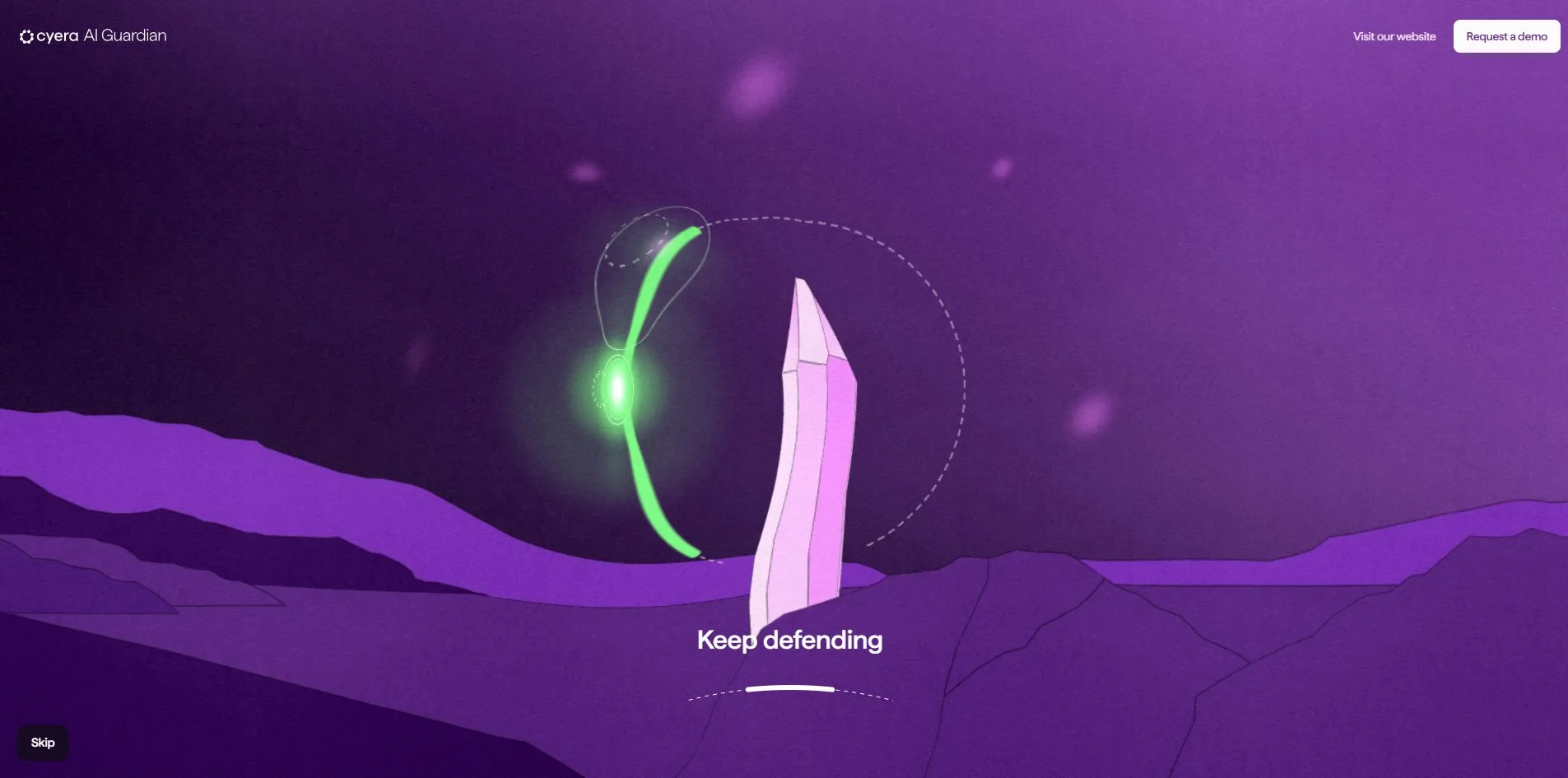
Cyera AI Guardian turns the three selling points of an enterprise data security product into three mini-games whose actions say the same thing. The product claims it can see every AI in a company, so the visitor joins white stars into a loop that fences in green blocks of data. The product claims it controls who touches data, so the visitor has to click the instant a compass needle swings into a purple zone. The product claims it stops attacks in real time, so the visitor swings a curved shield to keep asteroids off a crystal. Each game sits on its own planet, and after every round one sales line has become something the visitor did with their own hands.
This is an interactive microsite that the data security company Cyera built for its new product, AI Guardian. It was made by Active Theory, a studio with offices in Los Angeles and Amsterdam, and it won FWA of the Day.
01Concept
Cyera sells data security, and AI Guardian watches the risk created when AI tools and agents inside a company touch sensitive data. Its buyer is the security chief of a company. Product sites of this kind are usually a feature list plus a demo booking form, but this microsite takes another route and lays the product's three pillars, Discover, Govern and Protect, out as a space mission. The team's own description on FWA says the same thing: the visitor pilots a vessel through three planets about AI security, completing mini-games while learning what Cyera can do. The mission moves one step at a time, and no screen in it ever scrolls.
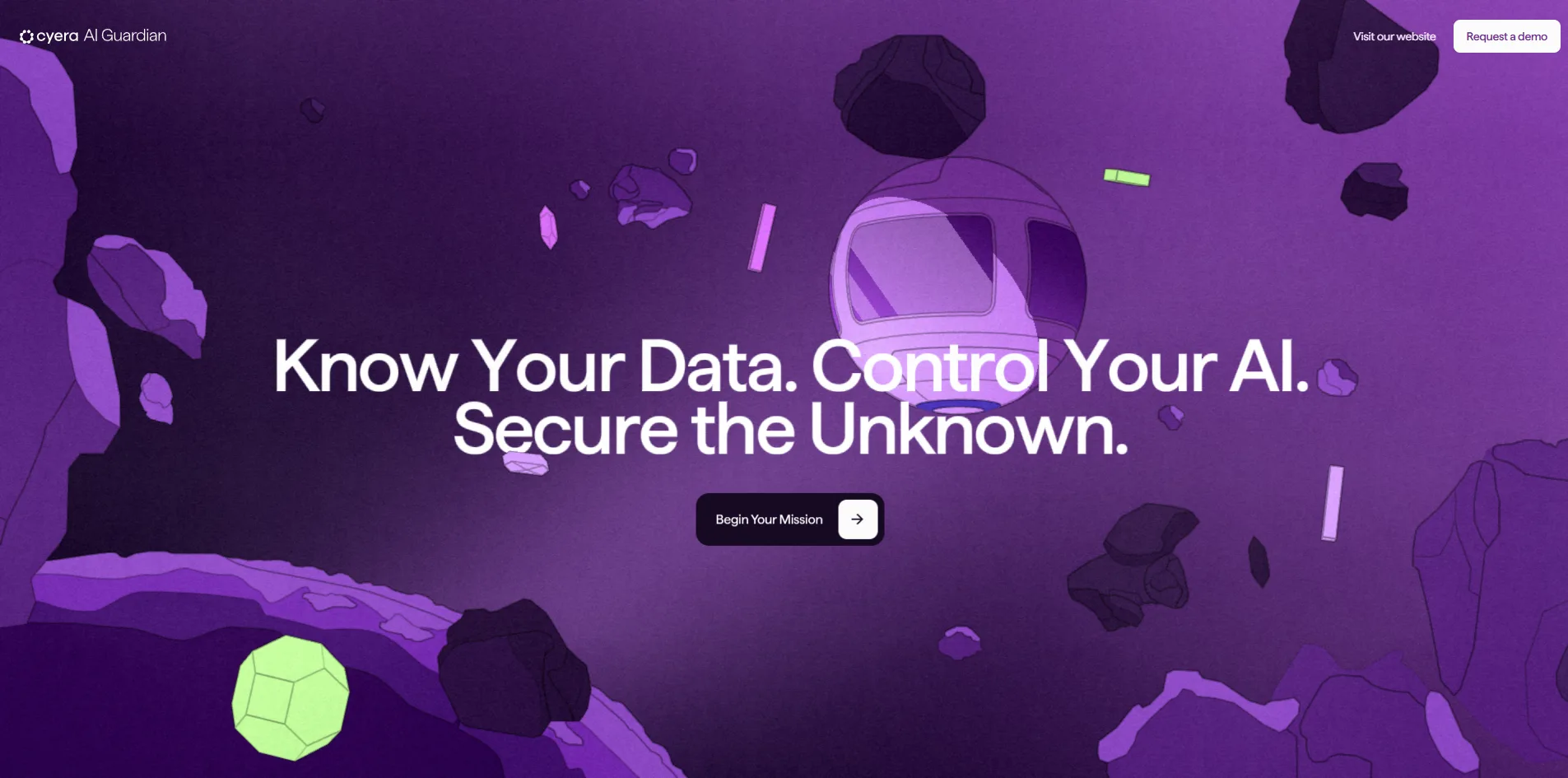
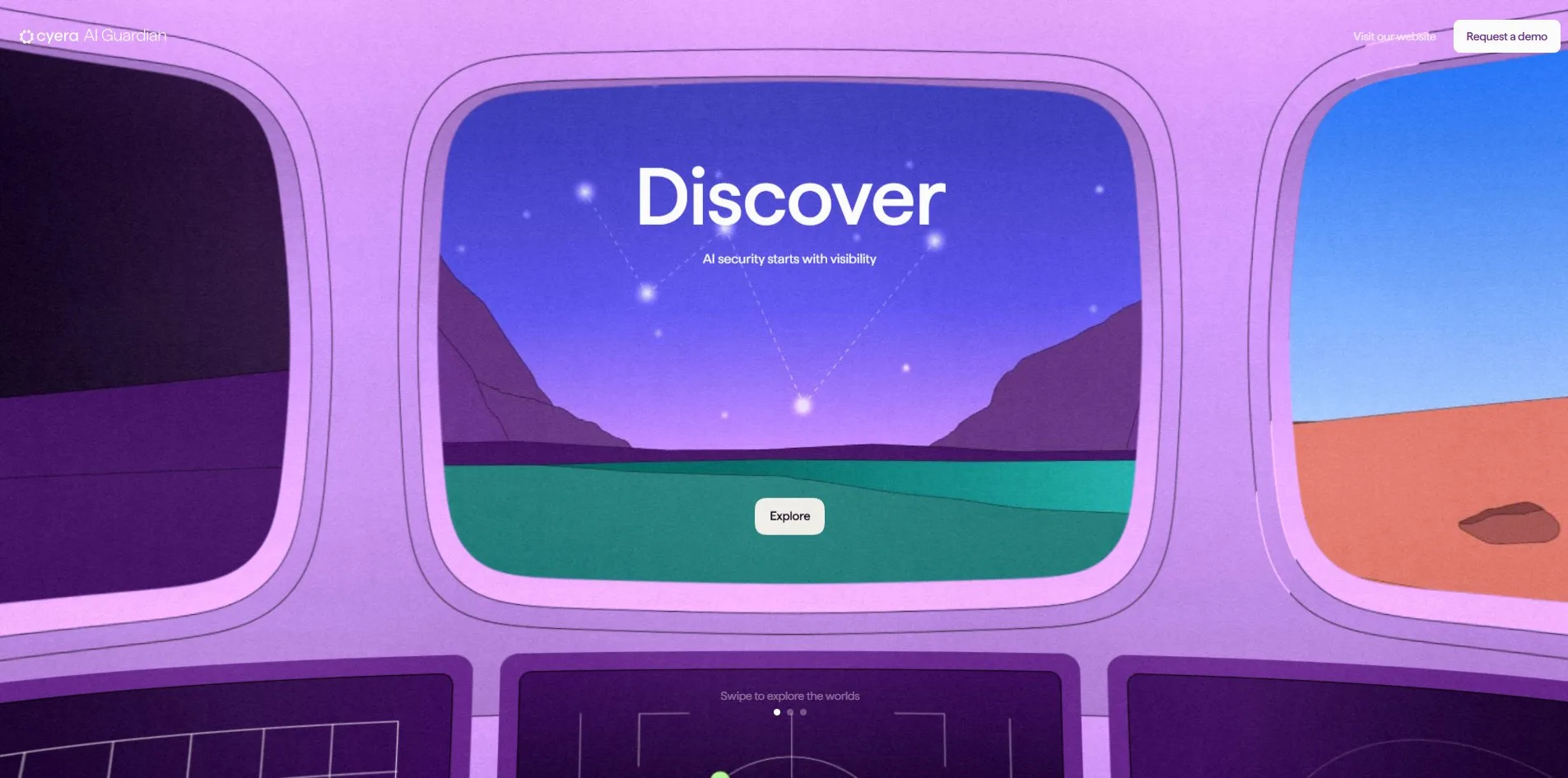
The visitor first sees a three-part headline over a purple space full of drifting rocks and green crystals, with a round pod-shaped vessel with two windows floating in the middle. The headline reads Know Your Data, Control Your AI, Secure the Unknown. After Begin Your Mission, a few screens of captions fade in line by line, with a progress line and a Skip button at the bottom. They run from AI launches your data into orbit. to With AI Guardian you can confidently navigate every part of this journey. When the captions end, the camera flies into the vessel and the screen becomes three cockpit windows, with one planet outside the middle window and the other two showing at the sides.
All three planets follow the same five steps, with different content and a different game. The visitor first sees a question card, and on Discover it asks What AI is deployed in my environment?. The vessel then lands and the screen says Find the data particle, asking the visitor to move the mouse to look around. Three labelled objects stand on the ground, such as Rogue Agents, Shadow AI and Data Leakage on Discover, and one of them is the particle. When the cursor rests on it, the vessel rises and shines a beam down on it, and a click opens a briefing card. The card opens with an industry figure and then says how the product helps, and the Rogue Agents card, for example, reports that 76% of leaders say autonomous agents are the hardest to secure. Begin on the card starts the mini-game, and Skip Game next to it jumps past the game.
On Govern and Protect, an object's label does not match the briefing it opens. On Govern the object labelled Agent Abuse opens a briefing called Identify Blind Spots, while on Protect the object labelled Identify Blind Spots opens Agent Abuse. Each briefing fits the theme of its own planet, so it looks as though the object labels on the two planets were swapped.
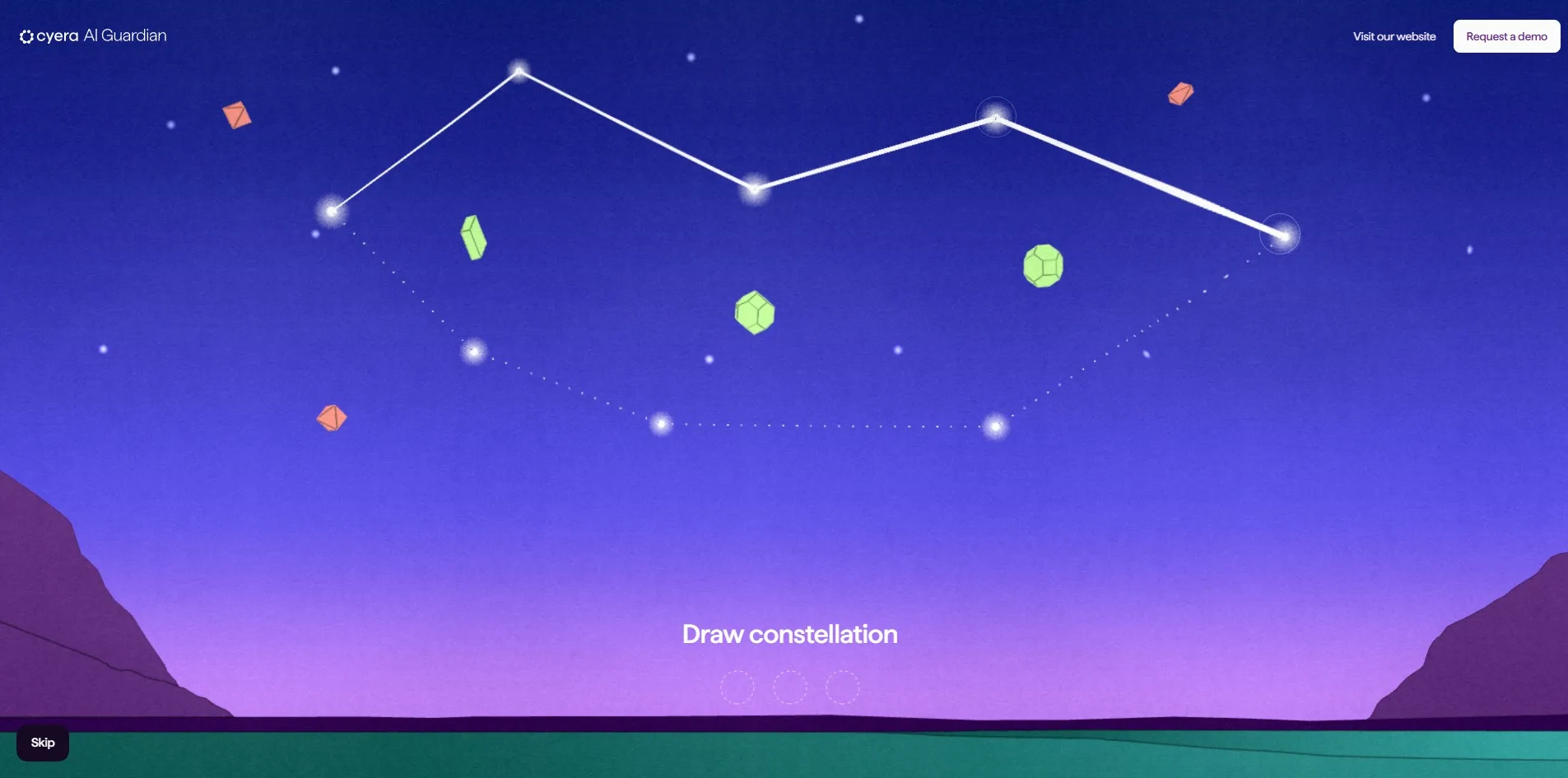
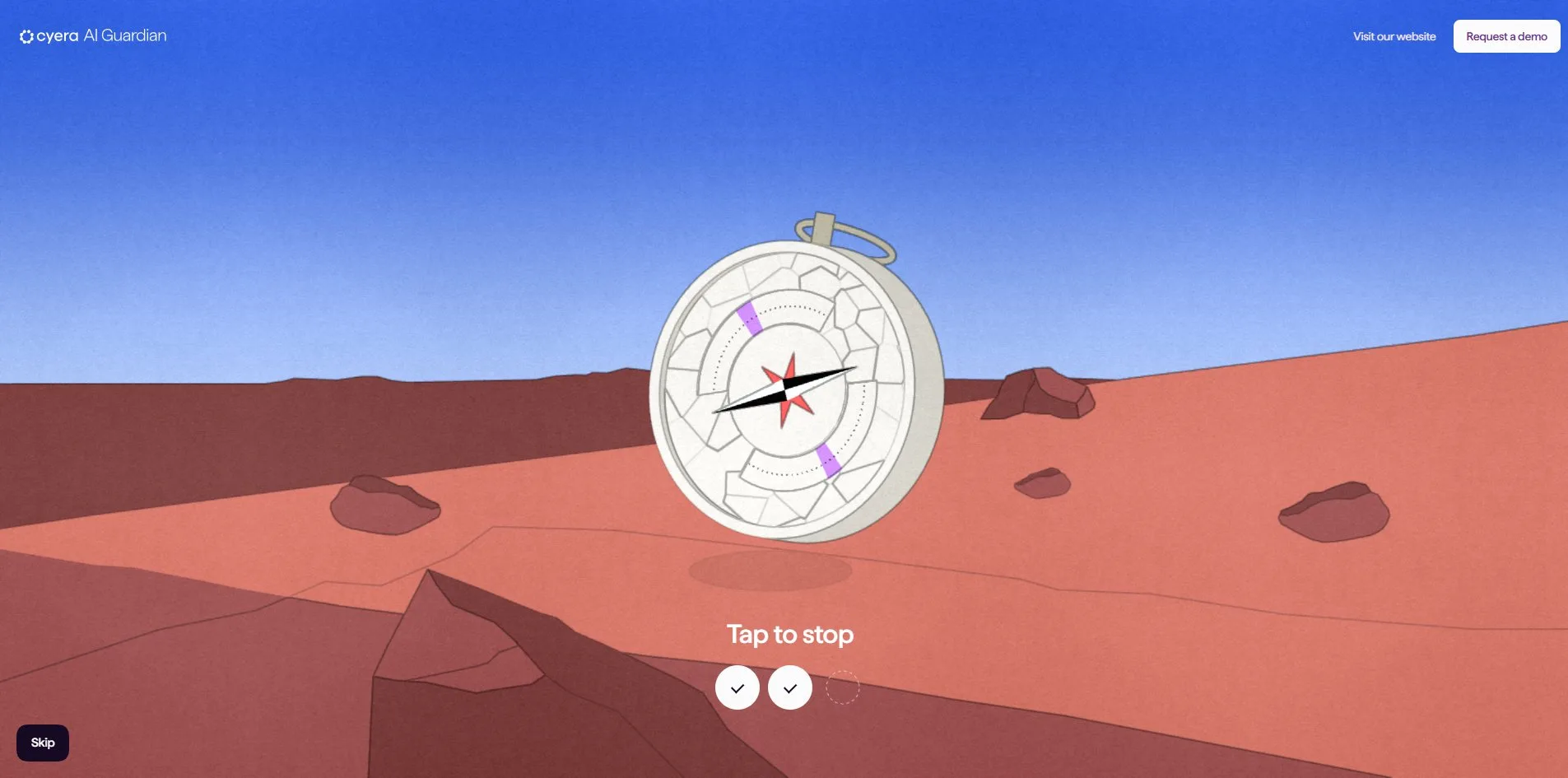
Each mini-game stands for one pillar of the product, and the way it is played is that pillar's action. In the Discover game the visitor holds the mouse button and drags from one white star to the next along a dashed guide until the stars close into a shape. There are three rounds with a different star map each time, and the green data blocks always sit inside the loop while red fragments stay outside. The Govern game is a compass hanging above a desert with a needle that never stops turning, and the visitor has to click while it passes through a purple zone. It takes three hits to win, and the zone gets narrower each round. In the Protect game a pink crystal stands on a hillside while asteroids fly in from all sides, and the visitor moves the cursor to swing a curved shield around the crystal and keep them out.
After a win, a translucent dome drops over the data particle and a completion card such as Discover Complete appears. A recap page follows with three cards side by side. The first describes the matching product capability, and the second quotes the security chief of a customer, with Valvoline, AT&T and Cass Information Systems quoted on the three planets. The third offers an e-book in exchange for an email address, such as AI Security for Dummies. Explore other terrains at the bottom of the recap takes the visitor back to the cockpit and turns it to the next planet. After all three planets, the last screen reads Mission complete! and Ready to see it live?, with a Sign up for a demo button. A Request a demo button stays in the top right corner on every screen.
02Design
Every piece of the 3D scenery is drawn to look like a flat illustration. The mountains, lakes and dunes on the planets are large areas of flat colour, each edged with a thin dark line, with no shading gradients and no realistic materials. A fine, even paper grain lies over the whole picture, so even while the camera moves through 3D space the scene reads like a page in a printed picture book. The vessel, the rocks and the crystals are built from a few flat faces and one outline as well, and none of them tries to look like a photograph.
Each planet has its own palette, and green is kept for data on all three. The starting space is a range of purples, Discover has teal mountains and a purple lake under a lilac sky, Govern is a red-brown desert under a blue sky, and Protect goes back to dark violet. The data that needs protecting is always drawn as a glowing yellow-green polyhedron. The decoys in the Discover game are coral-red fragments, so the visitor can tell what belongs inside the loop without reading any instructions.
The text uses a single sans-serif typeface called Haffer, set in ordinary sentence case with no all-caps headings. Planet names such as Discover and Govern sit large over the windows and the sky, while body text and buttons are small, in the low teens of pixels. The briefing cards, completion cards and recap cards are all white with rounded corners, like sheets of paper floating in front of the scene. Each card carries a small illustration in the same style at the top, and the one on a briefing card shows the game that comes next.
The cockpit is the hub of the whole site and its most fully composed screen. Three rounded windows form an arc, the middle one facing the visitor and the side ones angled away, and a row of monitors below them shows grids and targeting frames. The window is also the shape of the selector, because whichever planet sits in the middle window is the current choice.
Every button and prompt on the interface is written in the voice of a space mission. Starting is Begin Your Mission, going back to the selector is Explore other terrains, the secondary button on the last screen is Discover another planet, and even the search prompt is Find the data particle. The product name AI Guardian and its claims appear only in the captions, the briefing cards and the recap cards, and the games themselves never use a word of product jargon.
03Motion
The camera is the main moving part of the site, carrying the visitor from open space into the cockpit and down onto each planet. When the opening captions end, the camera pushes toward the vessel until its outline fills the screen. The picture then closes into a rounded frame, and when the frame opens again the visitor is sitting in the cockpit. On a planet the camera turns with the cursor, so moving it left makes the view look left, and the vessel slides through the air after the cursor too. When the cursor rests on the right object, the vessel climbs and casts a cone of light down onto it with a dashed circle on the ground, and that beam is how the search step tells the visitor they have found it.
Choosing a planet in the cockpit is driven by the cursor as well, with no dragging needed. When the cursor moves onto the left or right window it turns into a round white button with an arrow. A click turns all three windows one step and brings the next planet to the middle, and turning past the last planet brings back the first.
Each game's feel follows the sentence it is meant to make. In the constellation game the line the visitor drags is a white stroke that stretches with the cursor in real time and pins itself to each star it reaches. When the loop closes, the stars go out and a circle at the bottom gets a tick. In the compass game every miss shakes both the camera and the compass, and the glass over the dial gains another crack. After enough misses the whole glass is broken into jigsaw-like pieces. In the shield game the shield can only move around the upper half of the crystal, an asteroid that hits the shield bursts into green light, and one that hits the crystal leaves a crack on its surface.
The text and cards move far more lightly than the camera. Captions and headings fade in word by word, and buttons and cards enter with a fade and a small shift, at a faster pace than the camera so they never compete with it for attention. All of this runs steadily, and the page holds 60 frames per second on the landing screen, during the captions, in the cockpit and in the planet scenes, with no frame slower than 25 milliseconds.
04Engineering
Cyera AI Guardian does not use a general 3D library such as three.js. It runs on Hydra, the web 3D engine Active Theory wrote itself. The whole scene is drawn on one WebGL canvas, and the cards, buttons and captions are ordinary page elements layered on top of it. The site also loads the runtime of Theatre.js, an animation timeline tool, and the Draco decoder used to unpack compressed models.
The first visit downloads only 1.6 MB, and flying through all three planets comes to about 5.9 MB, of which 5.3 MB is the site's own files. All the 3D geometry for three planets and a vessel is forty small files that transfer as about 211 KB in total, and the largest of them, the vessel, is only 23 KB. The planets can be this light because each one is only a few simple meshes stacked as foreground, middle ground, background and clouds, and the flat illustration style has no need for realistic textures. The two largest files on the site are images instead. One is a 2048 by 1498 pixel paper-grain texture at 1.6 MB, and the other is a 1.5 MB mask that stores different regions of the cockpit windows in separate colour channels. These images are downloaded and decoded on a background thread, so they never hold up the main thread.
After the page is requested, the server returns its first byte in 27 to 70 milliseconds, and the first contentful paint (FCP) comes after 80 to 128 milliseconds, far ahead of Google's 1.8 second guideline. What is painted at that moment, though, is only the word Loading on the loader. The actual space scene appears after a column of light and a few falling crystals, about 3 to 4.5 seconds after opening. Nothing on the page shifts position between the loader and the scene.
How sharp the canvas is depends on the engine's rating of the graphics card. The engine rates the card first, and the top tier draws the canvas at 1.5 times the screen's pixels and then scales it down to the screen, so edges look unusually clean even on an ordinary 1x display. Middle-tier cards draw at 1.25 times on a 1x screen, and the weakest tier draws at 1x. Each frame needs only 11 to 21 draw calls and between 54,000 and 138,000 vertices, plus seven passes drawn into off-screen buffers that are then combined into one picture.
Keyboard users can finish the mission, but most of the way they cannot see what they have selected. The page gives the keyboard an invisible button named Activate data particle and open mission briefing, and pressing Enter on it skips the search step, making the vessel shine its beam and open the briefing. The trouble is that this button is 1 by 1 pixel, so its focus ring is a single dot when Tab lands on it. On the landing screen and in the planet scenes Tab also cycles through only four or five elements, which leaves the visitor unsure what is selected. Pressing Enter on Begin Your Mission does start the mission, but after that button fades out its focus ring stays behind as an empty black box over the vessel. Game status is announced, since Tap to stop, Failed and Success are written into a region that screen readers read aloud. With the system's reduce motion setting turned on, the captions still fade in word by word and the rocks still drift, because neither the scripts nor the style sheets handle that setting.
05Scores and Team
| Award | Source | Date | Score |
|---|---|---|---|
| FWA of the Day | The FWA | 2026-09-29 | 84 POINTS, DAYS 6 |
FWA gave the site 84 points from 27 votes and filed it under Educational, Fun & Playable and Game. The team's description presents it as an interactive microsite that turns cybersecurity education into a playful journey, in which visitors pilot a vessel through the planets Discover, Govern and Protect and play mini-games while learning about the product. That description matches the site exactly, with three planets, three mini-games and one vessel.
| Credit | Who | Record |
|---|---|---|
| Active Theory | Creative technology studio founded in 2012 with offices in Los Angeles and Amsterdam, which describes its work as innovative, beautifully animated and technically complex | FWA 149 awards, including 111 FWA of the Day, 14 FWA of the Month and 1 FWA of the Year. Inducted into the FWA Hall of Fame in 2016 |
Active Theory has won 149 FWA awards, 111 of them FWA of the Day, and it joined the FWA Hall of Fame back in 2016. On FWA this site is credited to the studio alone, with no individuals named.
06Archive
- Award date
- 2026-09-29
- Awards
- FWA FOTD 2026-09-29
- Site
- https://secure-the-unknown.cyera.com/
- Credits
- Active Theory
- Design
- spatial
- Build
- realtime
- The FWA
- 84 POINTS, DAYS 6. https://thefwa.com/cases/cyera-ai-guardian
- Stack
- Active Theory Hydra (in-house WebGL engine), WebGL 2, Theatre.js, Draco, Flicking
- Total assets
- About 5.9 MB for all three planets, 5.3 MB of it the site's own files, with two PNGs of about 1.5 MB each. First visit 1.6 MB
- Speed
- FCP 80 to 128 ms (loader), scene appears after about 3 to 4.5 s, CLS 0. 60 fps in every scene